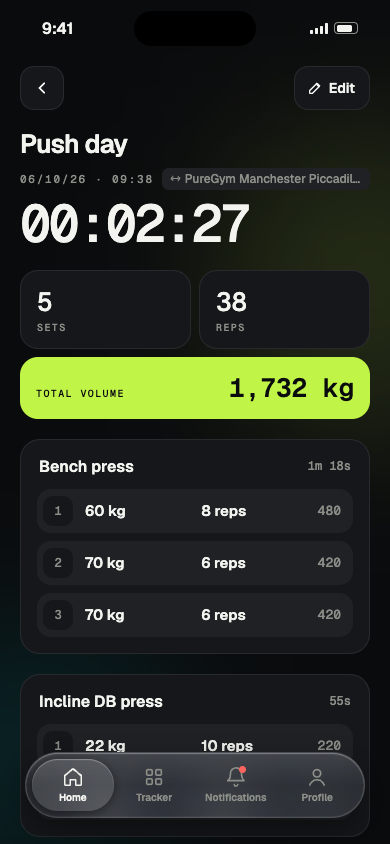
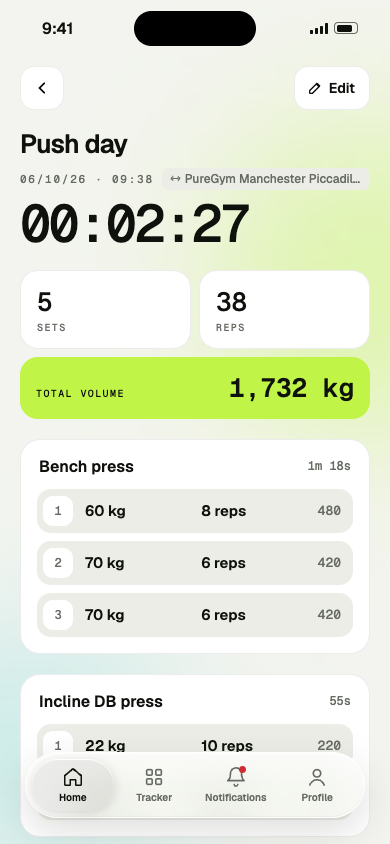
A live timer for the whole session
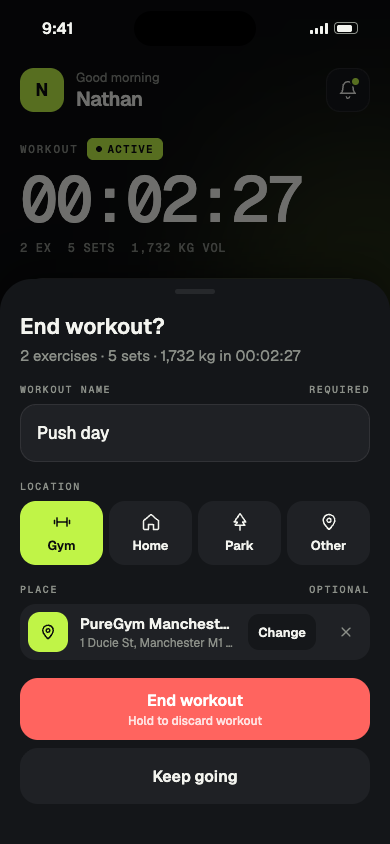
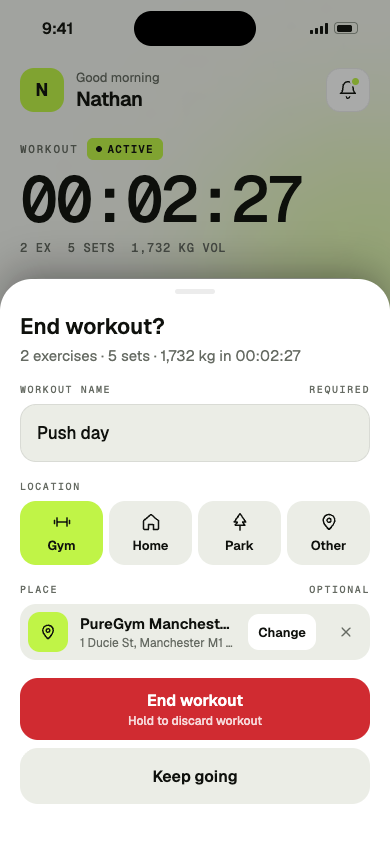
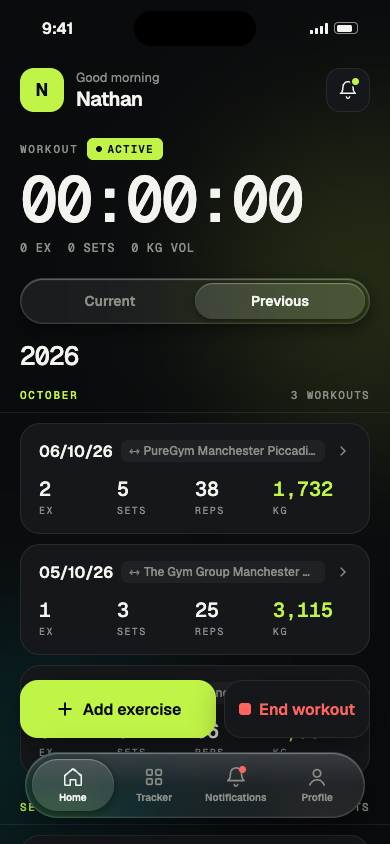
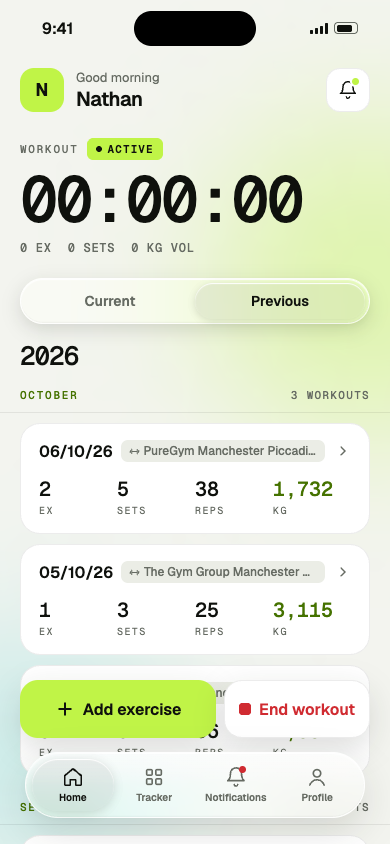
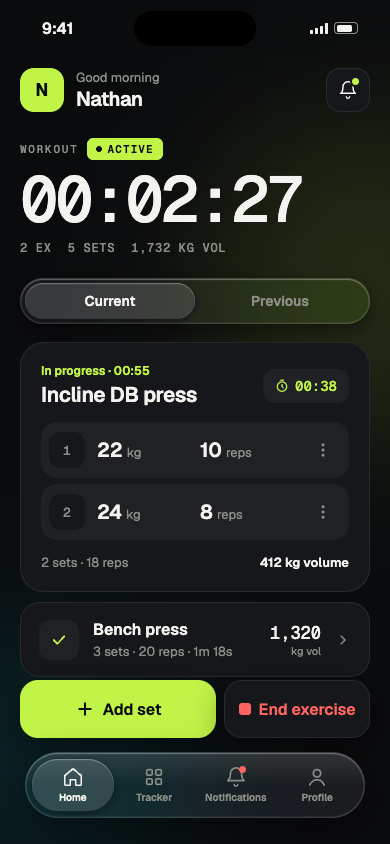
Start a workout and the clock runs. Each exercise is timed on its own, and a running total of exercises, sets and volume sits underneath.
WorkoutActive
2 EX · 5 SETS · 1,732 KG VOL
Workout tracker for iPhone · Android coming soon
FittenUp times every workout, logs each set in a couple of taps, and turns your training into a streak you can see.

 Coming soon toGoogle Play
Features
Big numbers, few taps, and nothing you have to set up first. Start a workout and FittenUp keeps count.
Start a workout and the clock runs. Each exercise is timed on its own, and a running total of exercises, sets and volume sits underneath.
New sets start from your last weight and reps. Nudge and save.
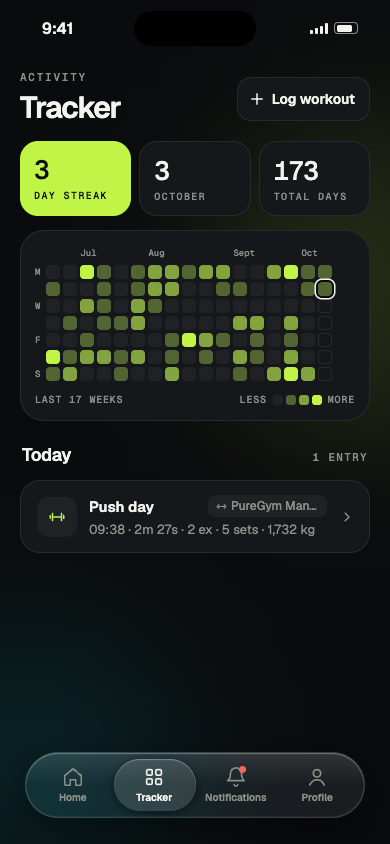
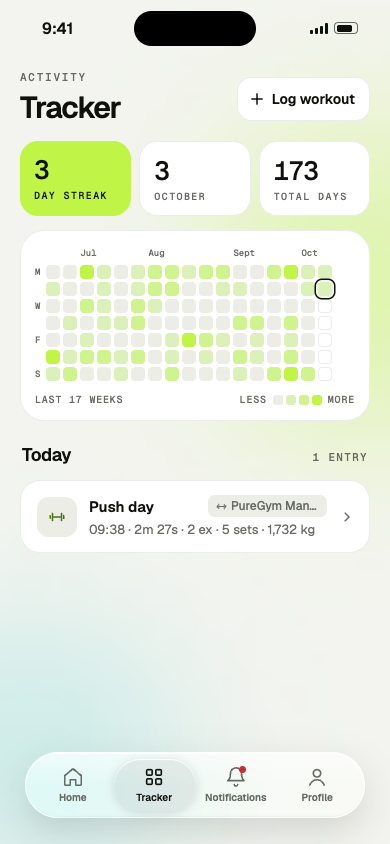
The Tracker fills in a square for every day you train, so seventeen weeks of effort fit on one screen. Today lights up the moment you save your first set.
Tag each workout as gym, home, park or somewhere else, and optionally search for the exact place. Location is only used when you ask for it.
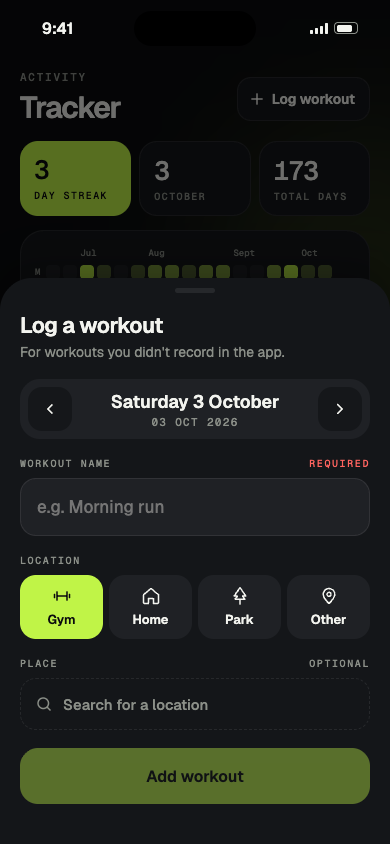
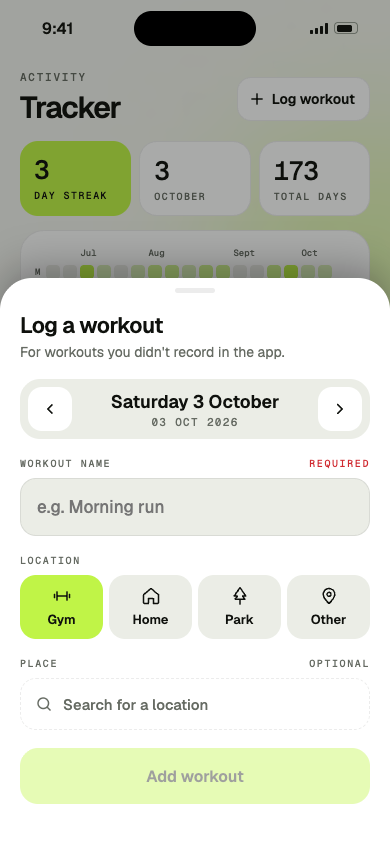
Trained without your phone? Add a workout to any past day and it counts towards your streak.
A rest timer starts counting the moment you save a set, so you always know when to go again.
Every workout grouped by year and month, newest first.
Inside the app
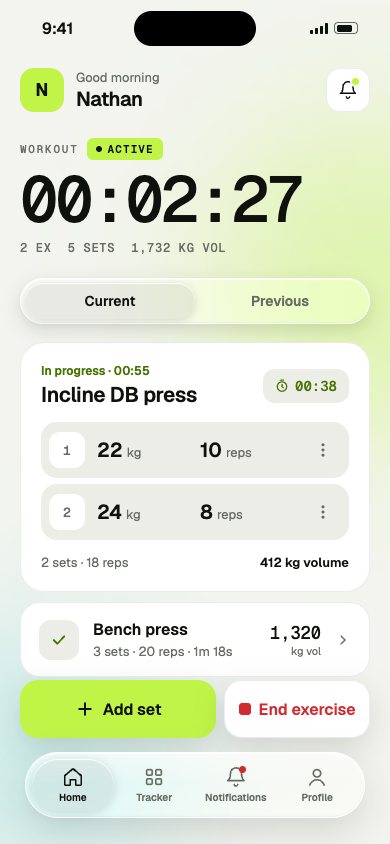
One hand, between sets, slightly out of breath. Every screen is built for that moment, in dark or light.
The workout timer, the exercise you are on, each set and your rest timer, all on one screen.
How it works
Sign in with Apple, Google or email, then tap Start workout. The timer runs while you train.
Name an exercise, then add sets with weight and reps. Finish one exercise and move on to the next.
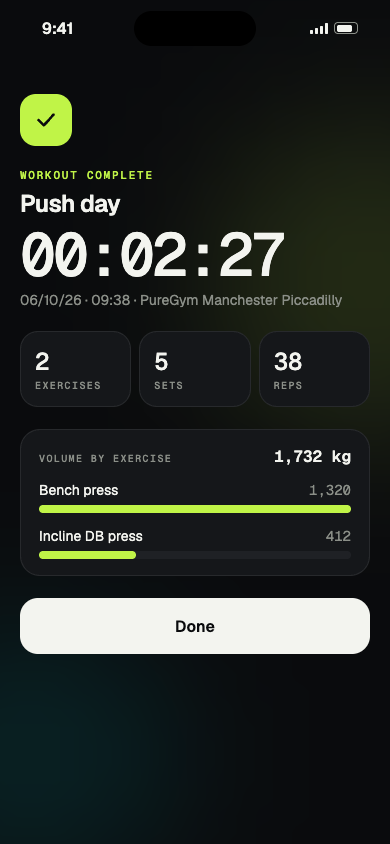
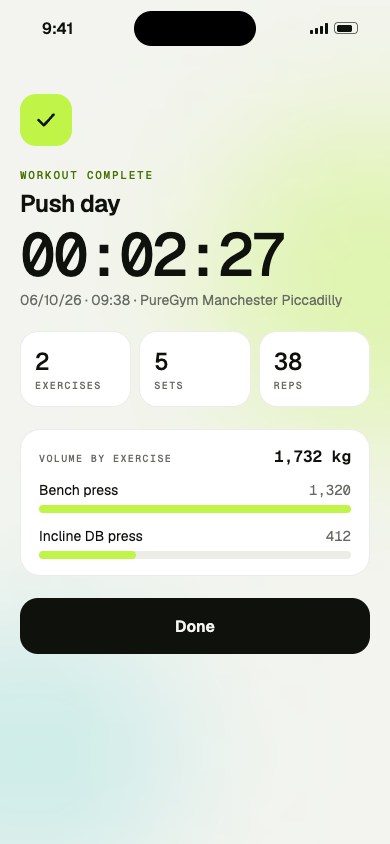
Name the workout, tag where you trained and see your summary. Your tracker lights up for the day.
Privacy
Workouts are stored with your signed-in account and nothing else. We don't sell personal information, show ads or track you across apps.
Read the privacy policyDownload FittenUp for iPhone today. Android is coming soon.
Coming soon toGoogle Play